BLOOM - FLL BIOGLOW Robot

- Description
- Curriculum
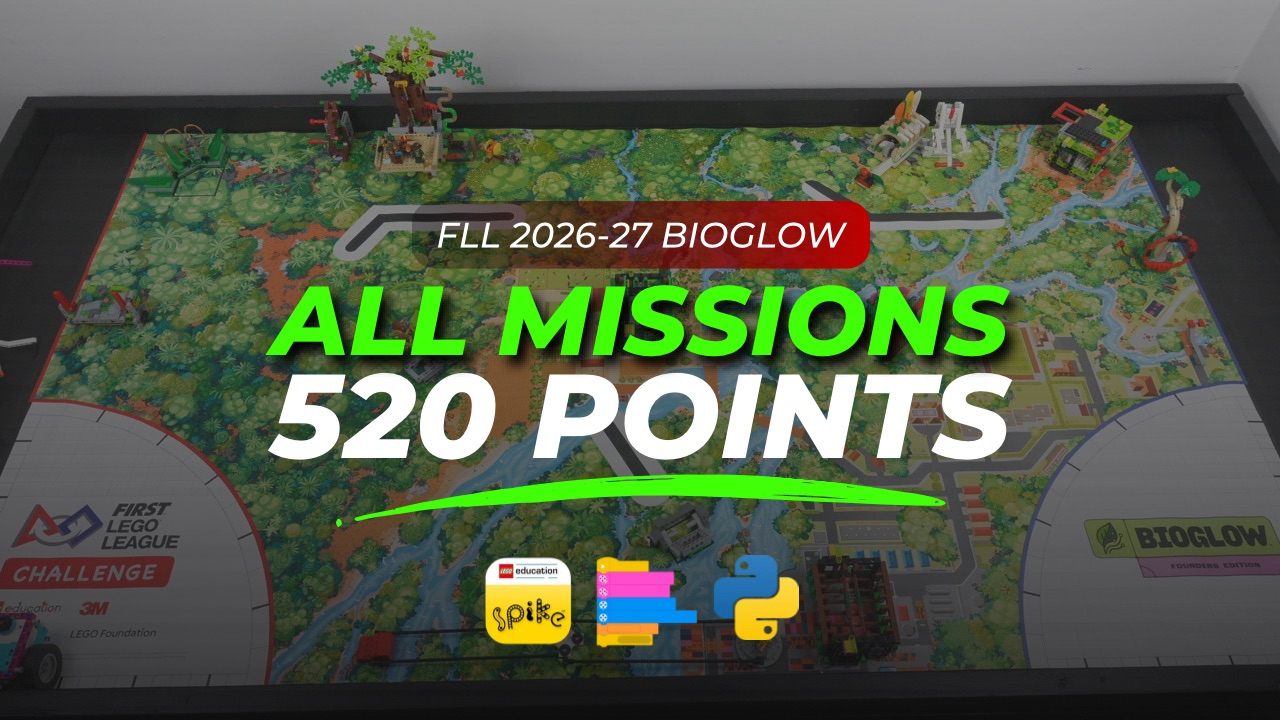
Explore the world of biodiversity with the FIRST® LEGO® League BIOGLOW season and prepare your team for the Robot Game with confidence. This course is designed for teachers and instructors guiding beginner to intermediate students, even if they are new to robotics.
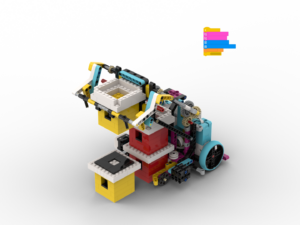
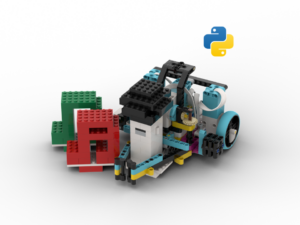
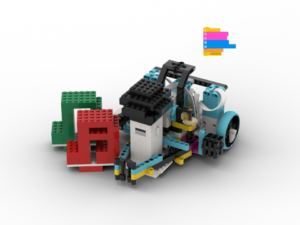
Leading the way in this course is BLOOM, an evolution of our Archy robot from the Unearthed season, with modifications made to improve its reliability. The design has been refined and adapted to support the demands of the new BIOGLOW challenge missions.
The course begins with a hands-on exploration of the robot and attachments without motors or programming, allowing students to discover how the robot needs to move and interact with the field.
Students then build BLOOM and work through the BIOGLOW missions using simple mechanisms and programs, tackling them in a strategic order that takes mission dependencies into account. Programs are developed in both Word Blocks and Python using the LEGO® Education SPIKE™ App, allowing students to see how familiar block-based programs translate into text-based code similar to what they will encounter in real-world programming.
The course finishes by exploring different ways to combine missions and develop efficient runs.
What you’ll gain:
- ✅ A step-by-step approach to building and exploring BLOOM
- ✅ Sample mechanisms and programs for the BIOGLOW missions
- ✅ Programs in both Word Blocks and Python using the SPIKE™ App
- ✅ A practical introduction to moving from block-based to text-based programming
- ✅ Strategies for combining missions into efficient runs
- ✅ Live Chat Support – Have a question while building, programming, or testing your robot? Get help by connecting directly with the course creators via chat.
Whether you’re coaching your first FLL team or supporting students with some robotics experience, this course provides a practical pathway from exploration and building to programming, strategy, and complete Robot Game runs.
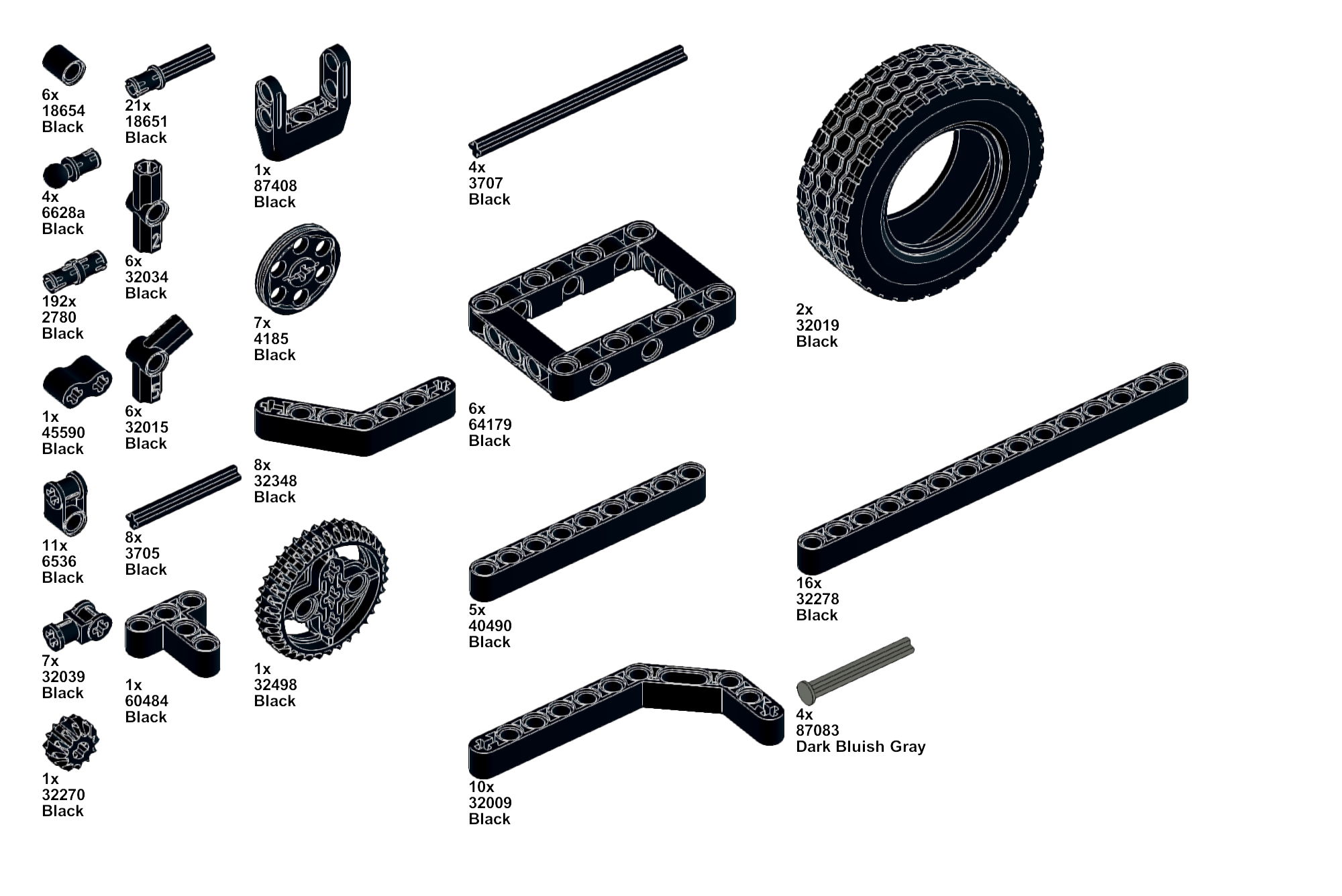
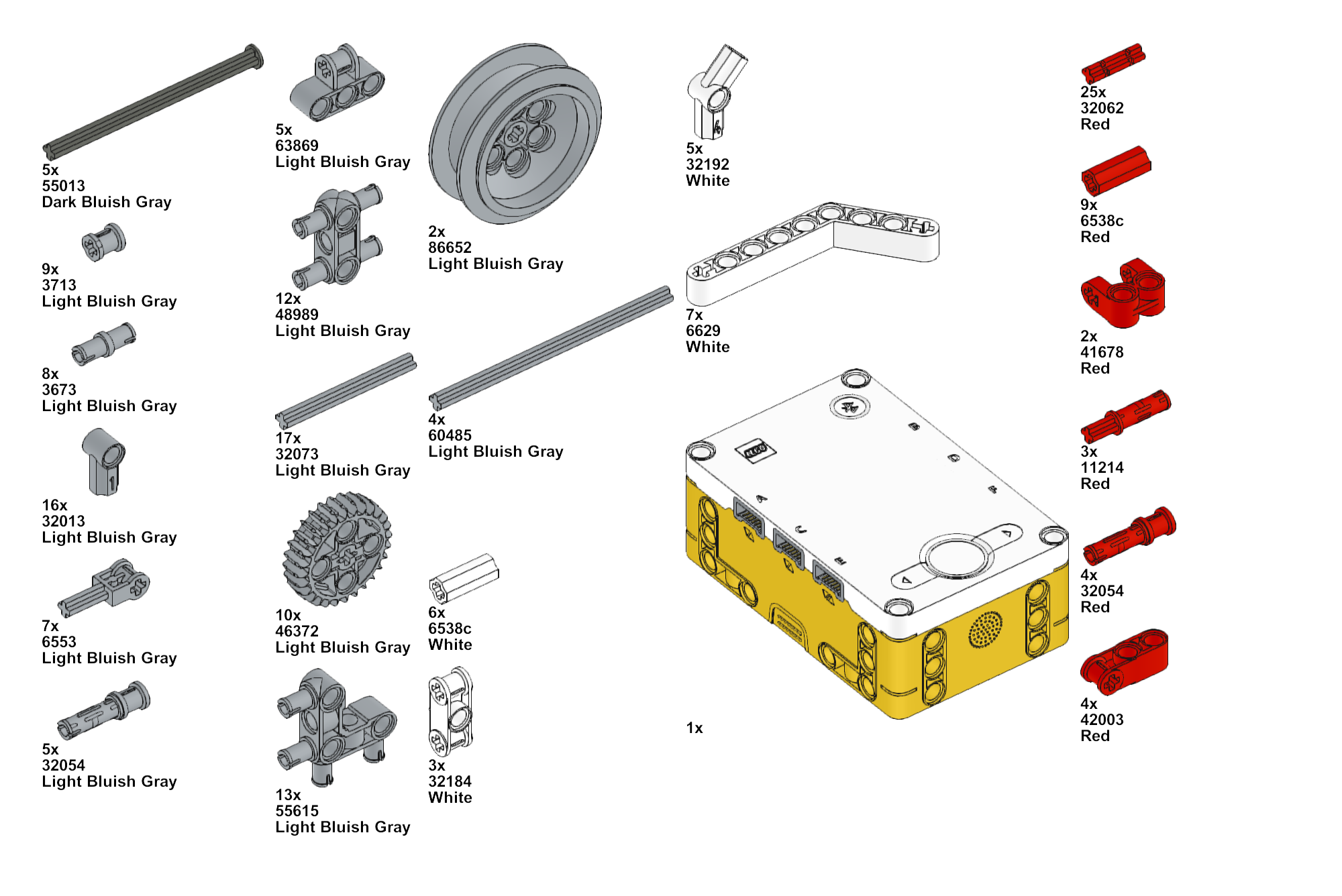
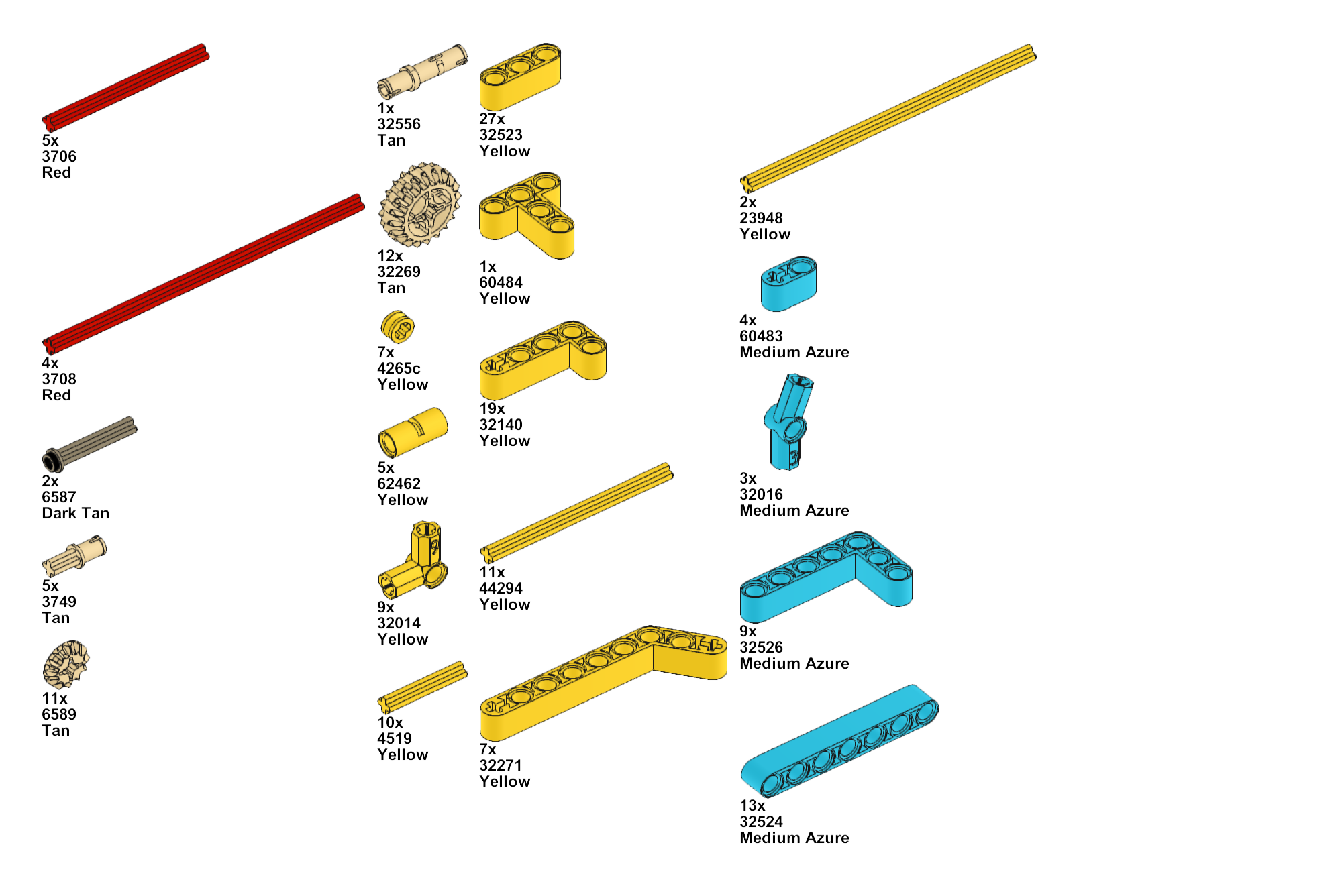
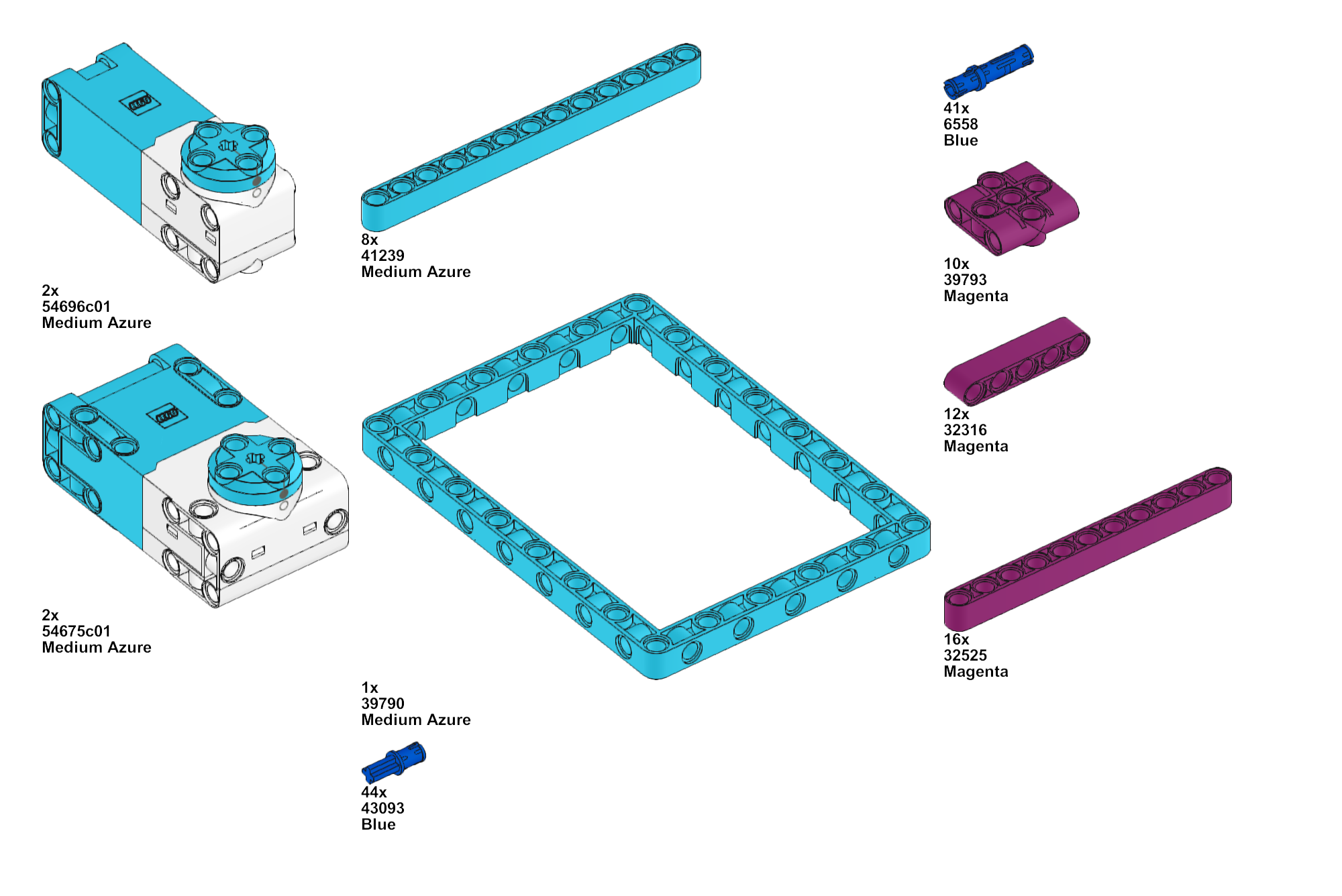
Bill of Materials for single-mission runs:
All equipment used – except the LEGO 62.4 x 20mm wheels – can be found in LEGO Spike Prime Core (45678) and Expansion (45680 or 45681) Sets.
This list does not include parts that will be used in updates.

-
1
 Exploration
Investigate key BIOGLOW missions before building or programming. Use a motorless robot frame and hand-operated mechanisms to understand the movements, mechanical concepts, and attachment ideas needed to solve the missions.
-
2
About the Robot
Meet BLOOM, the robot used throughout the course. Learn about its driving base, motor and port configuration, high-traction tires, attachment system, and build the robot ready for the missions ahead.
-
3
Run 1 | M03 Flip the Rock
Start with a simple first mission as BLOOM uses a passive attachment to flip the rock and return toward Home. Explore the short Word Blocks program, its Python equivalent, and the key programming ideas behind the run.
-
4
Run 2 | M04 Lucky Leaves
First, reveal the katydid’s position, then reconfigure a passive attachment to collect the two leaves while leaving the katydid behind.
-
5
Run 3 | M05 Reaching Roots
Learn how speed, acceleration, and attachment positioning work together to make the mission more reliable.
-
6
Run 4 | M08 Tangled and M09 Research Platform
See how BLOOM combines motorized and passive mechanisms with a static collecting arm to raise the vine, activate the Research Platform, and collect the falling seed—all in a single run.
-
7
Run 5 | M02 Exploding Seeds
Make use of gears and a linkage to transfer motor rotation into a gripping action.
-
8
Run 6 | M01 Drone Survey
See how the rotating arm explored in Chapter 1, is motorized.
-
9
Run 7 | Farm Dock (M13 Keystone Species or M15 Biocentric Architecture)
Explore two strategies for the Farm Dock using M13 Keystone Species or M15 Biocentric Architecture
-
10
Run 8 | M12 Forest Elder
Explore how a dual-purpose motorized mechanism, connected gears, and a static arm work together to complete M12 Forest Elder
-
11
Run 9 | M06 Leafcutter Frenzy and M07 Humongous Fungus
Complete M06 Leafcutter Frenzy and M07 Humongous Fungus in one run while exploring how different speeds can improve stability and mechanism performance
-
12
Run 10 | M11 Window to the Past
Apply the passive mechanism explored in the first lesson to complete M11 Window to the Past, collecting the seed and pulling down the root cover in a single run.
-
13
Run 11 | Mine Dock (M15 Biocentric Architecture or M13 Keystone Species)
Explore two solutions for the Mine Dock using M15 Biocentric Architecture or M13 Keystone Species, and see how mission placement can be adapted to your team’s overall strategy.
-
14
Run 12 | City Dock (M14 Seeds of Renewal)
-
15
Moving Straight with Gyro
Learn how to use gyro feedback and proportional control to keep the robot moving along a target heading, then create a reusable GyroStraight My Block in Word Blocks and Python.
-
16
Accurate Turns with Gyro
Learn how to use the gyro to turn towards a target heading, create a reusable GyroTurn My Block in Word Blocks and Python, and combine it with GyroStraight for more accurate navigation.
-
17
M05, M04, M08 and M09
Combine four missions into one efficient run by adapting and sharing mechanisms
-
18
M03, M02 and M01
See how gyro navigation and physical field alignment help connect three missions efficiently.
-
19
M13, M06, M07 and M11
Explore how reusing mechanisms, gyro-based navigation, and strategic mission sequencing allow the robot to complete multiple tasks while travelling from one Launch Area to the other.
-
20
M15, M06, M07 and M11
Explore how a different approach to the Farm Dock, a versatile attachment, and gyro-based navigation help complete four missions in one continuous run.
 Google